
We've introduced a new feature that allows you to add checkboxes to your custom fields, giving your customers more flexibility while filling out forms. You can now ask your customers to check a specific box when taking intake questions. Gathering specific information from your customers is easier than ever!
Creating a new custom field
Navigate to the Custom Fields section in your dashboard. When creating a new custom field, select the "Checkbox" option.
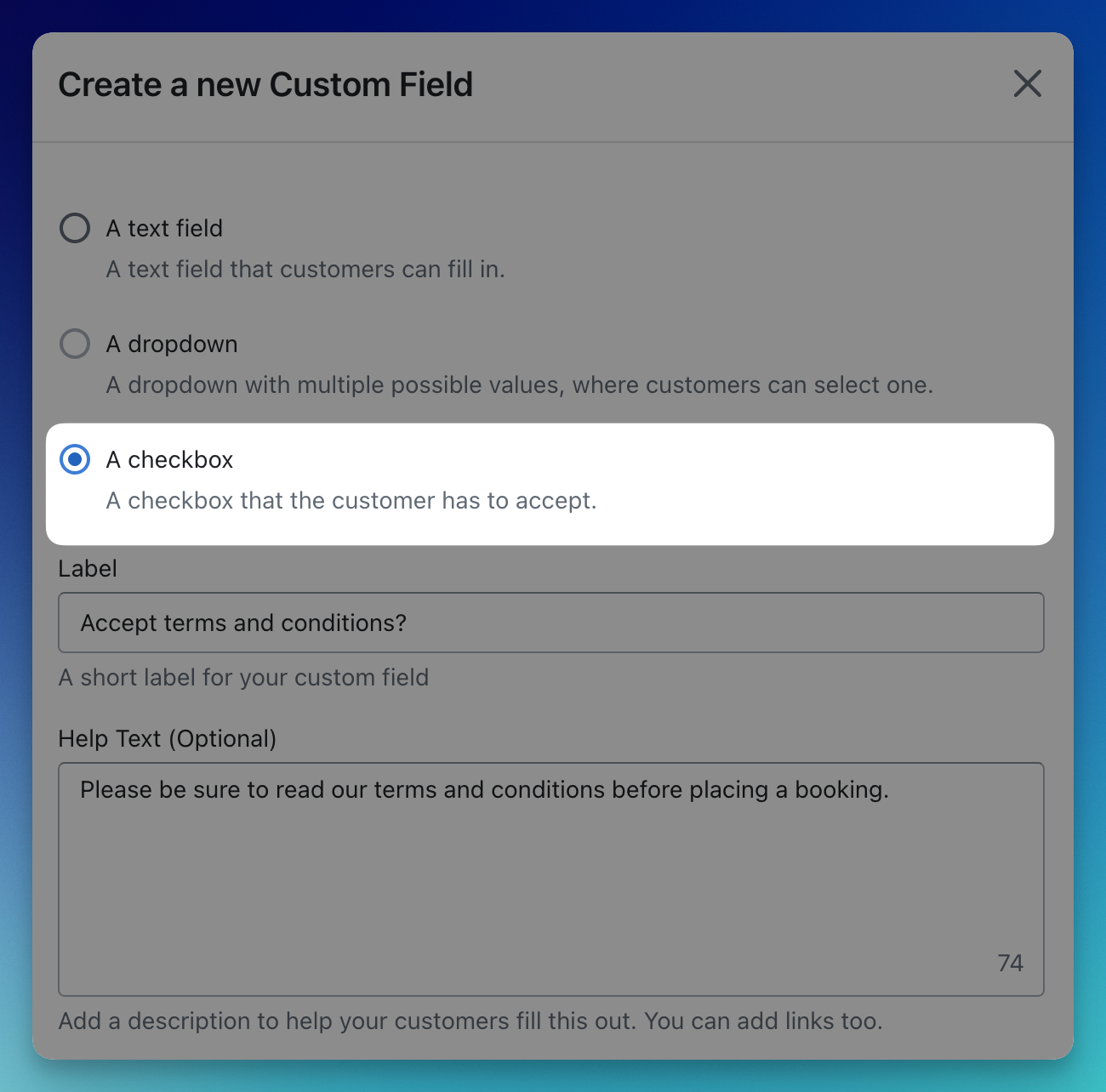
You can set the field as
required
, which ensures that a customer must check the box before placing a booking. Viewing the question
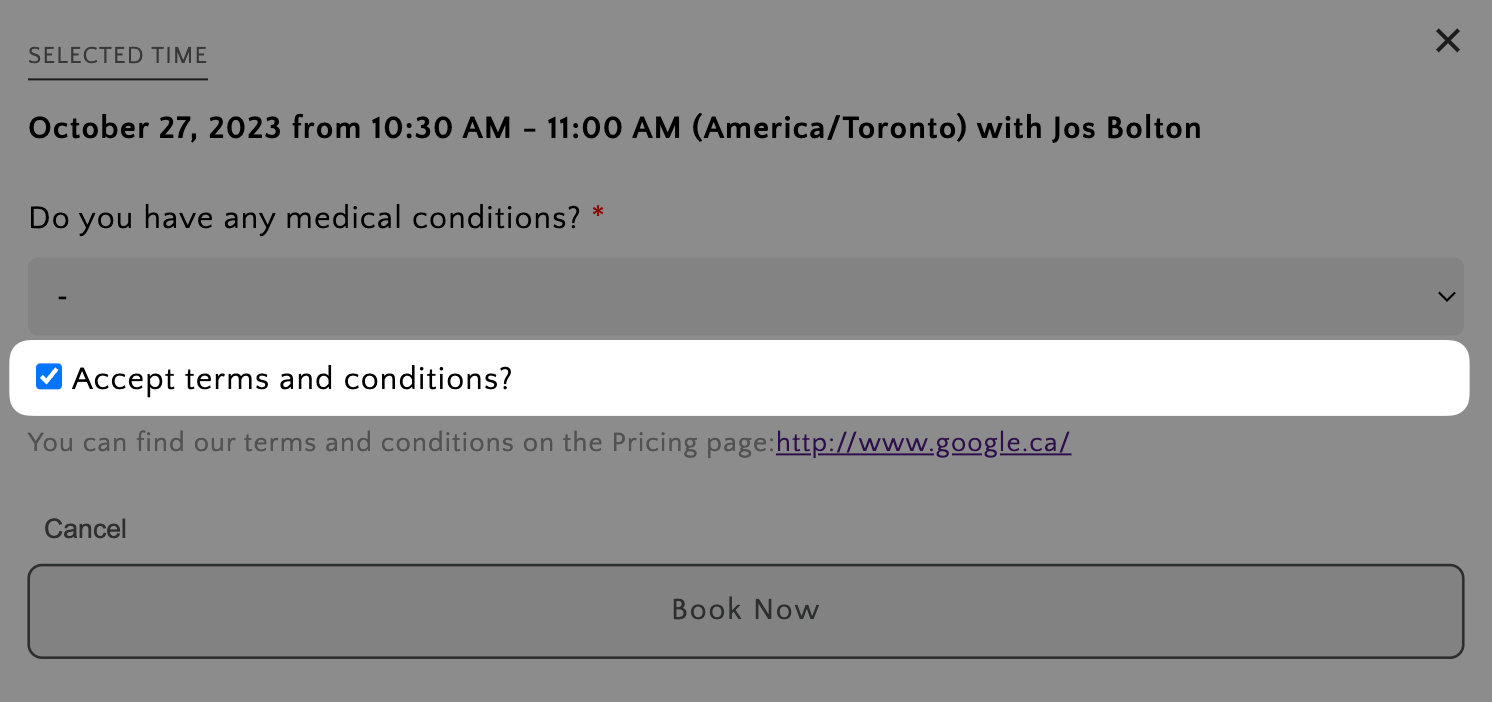
Once you have saved your question and assigned it to an event, your customers will be able to see the intake question when they place a booking for that event. Here's an example:
Seeing your customer response
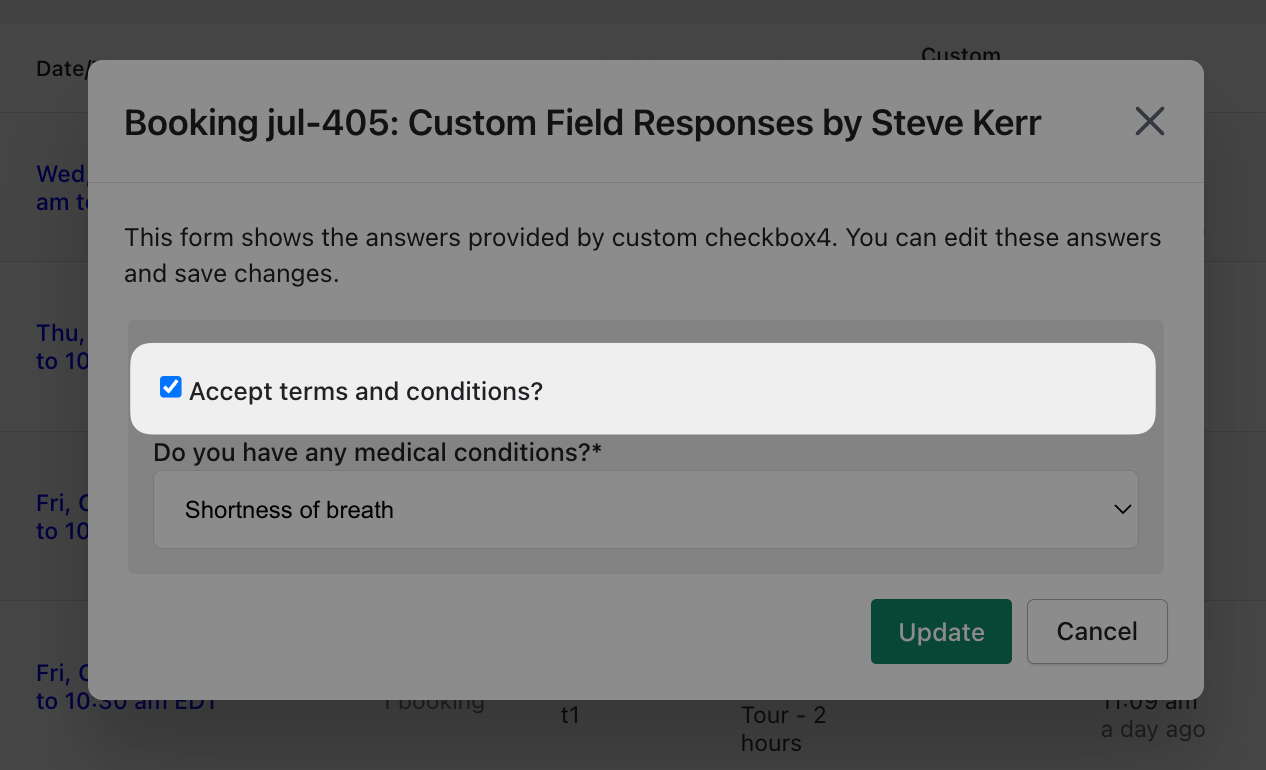
Once a customer has placed a booking, you can view and edit their response on the "Bookings" tab, under the "Custom Fields" column.
---
This feature is available to all users of Easy Appointment Booking.